
UI/UX Designer · 2025
AI Hub Web App Interface
A modern AI assistant web application interface inspired by ChatGPT’s UI
Overview
What AI Hub Web App Interface does.
Designed a modern AI assistant web application interface inspired by ChatGPT’s UI. The interface includes a collapsible sidebar, dynamic header, chat interface, input area, and additional pages for history, settings, and help. The design emphasizes usability, accessibility, and a clean, friendly visual style.
- Role
- UI/UX Designer
- Team
- Solo Project
- Duration
- 2025
- Responsive
- Yes
The challenge
The goal was to create a clean, intuitive AI assistant interface that balances multiple features (chat, history, settings) while maintaining usability and accessibility.
Project goals
- Design a collapsible sidebar with primary and secondary navigation items
- Create dynamic header with page title, user profile, notifications, and theme toggle
- Design chat interface with user and AI message states, Markdown support, and input controls
- Provide additional pages: chat history, settings, and help
- Ensure responsive design and accessibility throughout
Process
How AI Hub Web App Interface came together.
Research & Inspiration
Studied popular AI chat interfaces to identify common patterns, visual hierarchy, and interaction flows.
Wireframing
Created low-fidelity wireframes for sidebar, header, chat interface, and additional pages in Figma.
High-Fidelity Design
Designed polished screens with clear typography, accent colors for user messages, and card-style AI responses.
Prototyping & Interaction
Built a clickable Figma prototype simulating chat interactions, sidebar states, and navigation between pages.
Key features
- Collapsible sidebar with primary and secondary items
- Dynamic header with page title, notifications, and theme toggle
- Chat interface with alternating AI/user messages and Markdown support
- Input box with attach/upload icon and send button
- Additional pages for chat history, settings, and help
- Responsive and accessible design
- Dark and Light mode
Impact
- Provided a clear visual and interaction blueprint for a modern AI web app
- Improved usability and clarity in navigating multiple features
- Created a prototype ready for testing and future development
Lessons learned
- Balancing multiple interactive components requires careful layout planning
- Consistent visual hierarchy improves user comprehension
- Prototyping complex interactions early helps validate UX decisions
Tools & technologies
What it was built with.
- React
- Shadcn
- Tailwind CSS
- Figma
More work
Related case studies.
 03Frontend Developer & Designer
Personal site · 2024
Portfolio Website
A personal portfolio website built with React and styled with a hand-drawn aesthetic
- React
- Tailwind CSS
- Framer Motion
 06UI/UX Designer
E-commerce UX · 2024
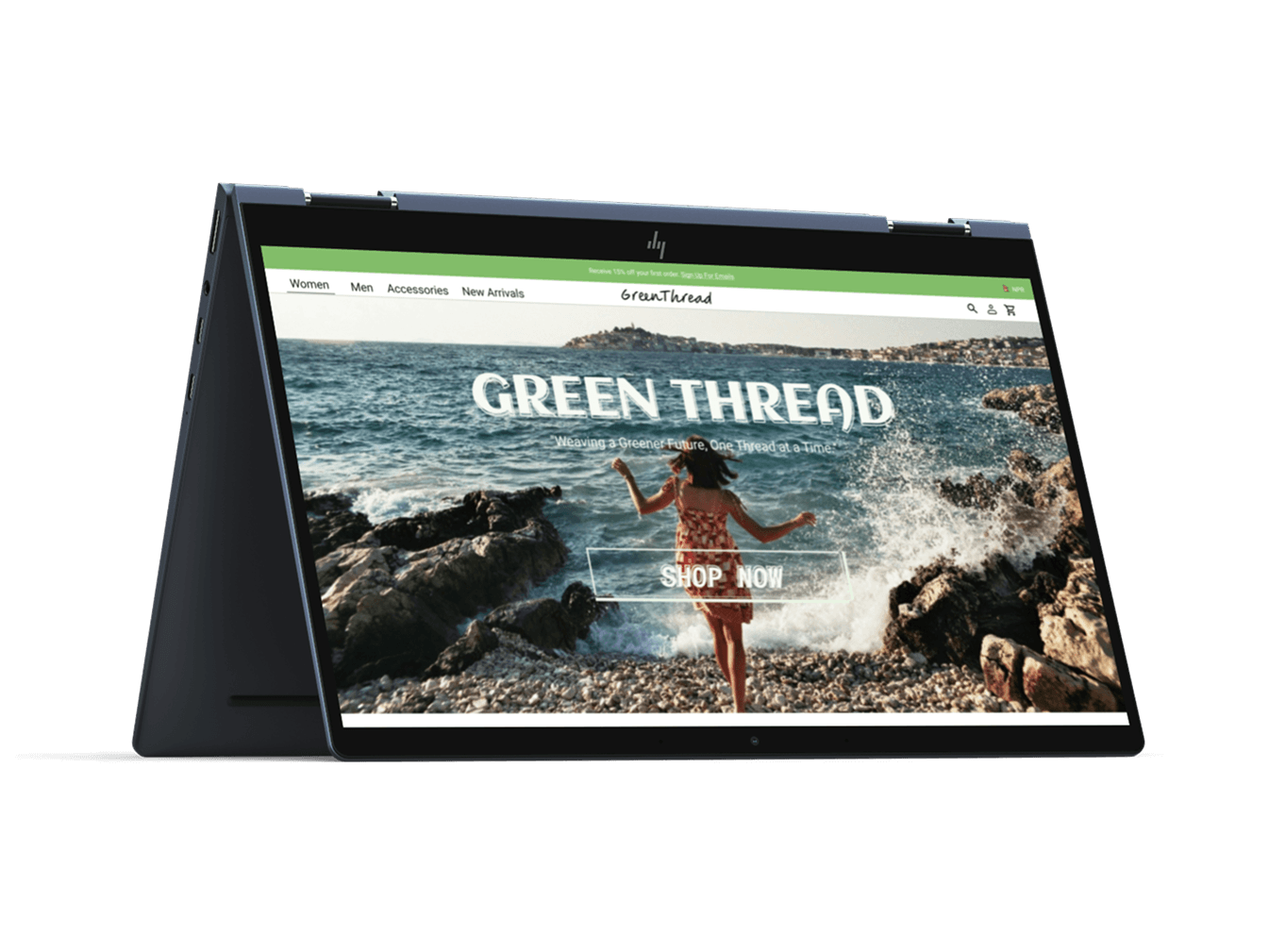
GreenThread E-commerce Wireframe
A UX-focused wireframe for an eco-friendly fashion platform promoting sustainability and conscious shopping
- UI/UX Design
- Figma
- Wireframing
- E-commerce