
UI/UX Designer · 2023
Wireframing for Responsive Website
Visual blueprint for a responsive website focusing on usability, accessibility, and intuitive layout
Overview
What Wireframing for Responsive Website does.
This wireframe outlines the design and layout for a responsive website tailored to the company's needs. It serves as a visual blueprint, showcasing the placement of key elements like navigation, content sections, and interactive features. The wireframe ensures a seamless user experience across various devices, emphasizing usability, accessibility, and alignment with the company's goals.
- Role
- UI/UX Designer
- Team
- Solo project
- Duration
- 2023
- Responsive
- Yes
The challenge
The company needed a clear layout plan to visualize content placement, navigation structure, and interactive elements before moving into high-fidelity design and development.
Project goals
- Create a responsive wireframe adaptable to desktop, tablet, and mobile devices
- Ensure intuitive navigation and logical content hierarchy
- Highlight key interactive elements like forms, buttons, and CTAs
- Provide a clear reference for developers and designers
Process
How Wireframing for Responsive Website came together.
Research & Requirement Gathering
Studied the company’s business goals, target audience, and competitor websites to identify key design requirements.
Wireframing
Created low-fidelity wireframes in Figma to map out page layouts, content sections, navigation, and interactive features.
Responsive Planning
Designed wireframes for multiple screen sizes to ensure a seamless user experience across devices.
Feedback & Iteration
Reviewed the wireframes with potential stakeholders and iterated to refine layout and content placement.
Key features
- Responsive wireframe for desktop, tablet, and mobile
- Clear content hierarchy and navigation flow
- Placement of interactive elements (forms, buttons, CTAs)
- Accessible layout emphasizing usability
Impact
- Provided a clear visual guide for designers and developers
- Reduced ambiguity in design handoff
- Improved alignment with business goals and user needs
Lessons learned
- Wireframes are crucial for planning content hierarchy and layout
- Iterating based on feedback improves usability before high-fidelity design
- Even simple wireframes can save significant development time
Tools & technologies
What it was built with.
- Figma
More work
Related case studies.
 06UI/UX Designer
E-commerce UX · 2024
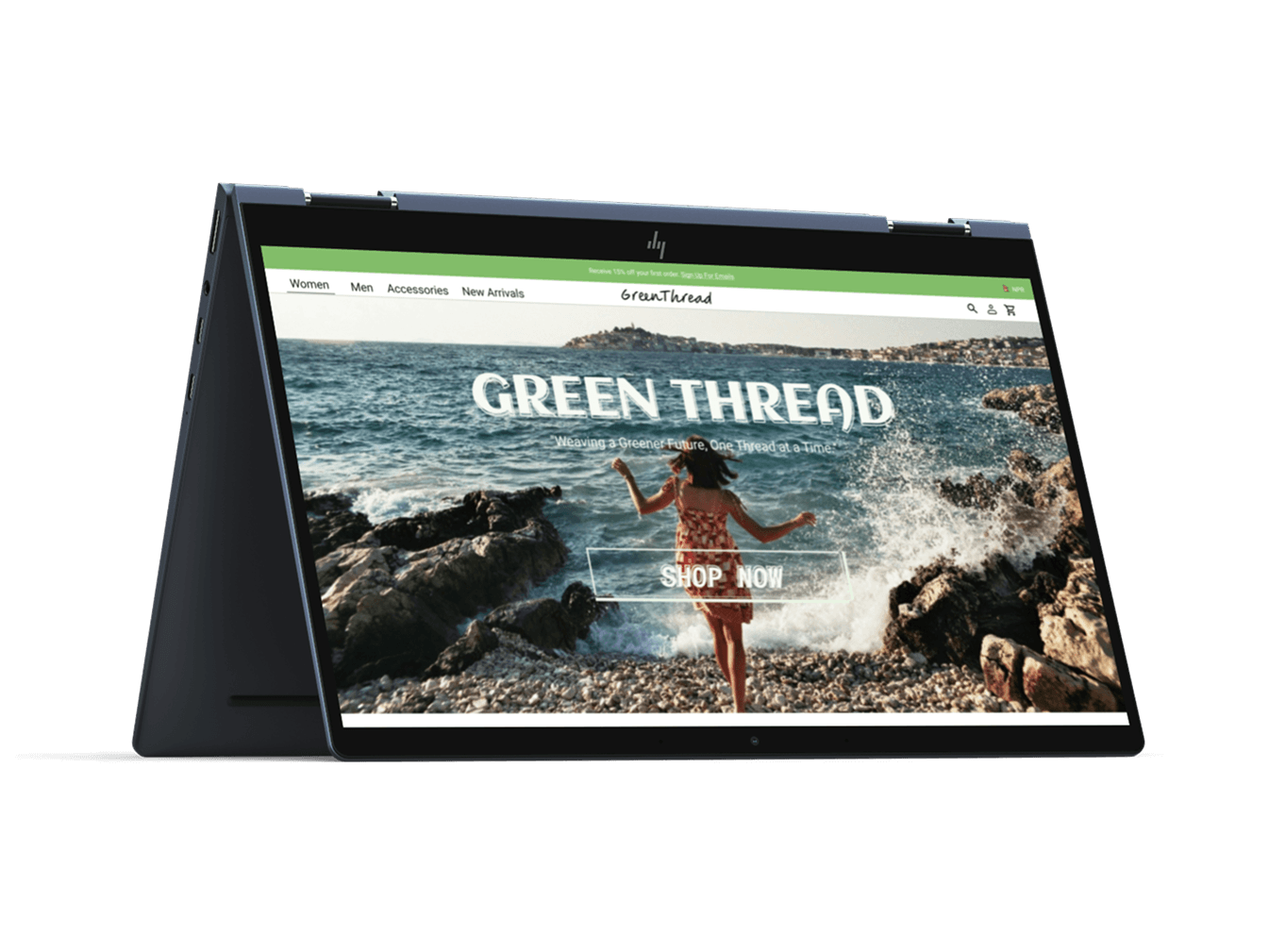
GreenThread E-commerce Wireframe
A UX-focused wireframe for an eco-friendly fashion platform promoting sustainability and conscious shopping
- UI/UX Design
- Figma
- Wireframing
- E-commerce
 07UI/UX Designer
iOS app design · 2024
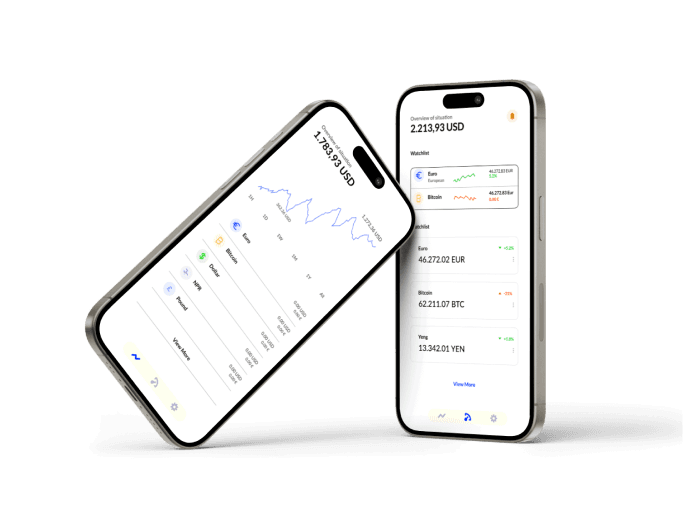
Crypto Trading iOS App
A sleek and intuitive mobile interface for cryptocurrency trading, designed for modern traders
- UI/UX Design
- Figma
- Mobile App
- Prototyping